Shoot it. Stamp it.
Portal-ready in your cloud.
Capture photos and walk-through videos from the field app on your phone. Every shot gets an automatic date + time stamp and is resized to your client’s portal spec. Output ships two ways — a clean PDF addendum, or just the processed photos — whichever that client wants. Everything lands in your own cloud (Google Drive, Dropbox, or OneDrive), filed under the property. Not on site? Send a helper a preset link — you pick the output, they shoot, you get the finished file back. Override the output on any single order without changing the client default.
Available standalone (pricing TBD) — or bundled into the Reimbursement Hub, TrueFile™ Solo, and Staffed Broker.
The lightest way to start with TrueFile™. A professional field tool — not a free utility.
TrueFile™ is the AI back-office platform built for REO brokers — streamlining the inner-office work between every file, revealing the true cost of that work, and giving every broker the clarity to run their division with confidence.
Every REO broker has the same Tuesday-morning email: “Photos rejected — missing date stamp” or “file too large for portal upload.”
The work was done. The photos exist somewhere on someone’s phone. But the client’s portal needs them dated, time stamped, and sized to spec — and now you’re shrinking, re-shooting, and re-uploading work that already shipped.
Whether the client wants a PDF addendum or just clean photos, the answer is the same: drop your phone shots in, get back what their portal accepts.
Shoot. Stamp. Ship.
Save hours a year processing your photos.
Each property knows its client. Each client knows its output.
When you set up an assignment, you give it two things: the property address and the client. From there the processor handles the rest — because the output choice is set once at the client level: PDF addendum or processed photos only.
- · Same field drop, two possible outputs — the processor picks based on that client’s default.
- · Change a client from photos-only to PDF later? Existing folders stay; the next drop builds the PDF.
- · Lightweight property folder names land as STREET NAME STREET#, with a new dated child folder for every drop.
Stricter AM under that client, or a one-off property? Override the default right on the assignment — or just on a single order from the photo screen — and the new spec only applies where you set it. The client default keeps running everywhere else. Sending a helper to the field? Generate a share link with the output already chosen; they upload, the broker receives the format you set.
Catch FHA repair items
before the appraiser does.
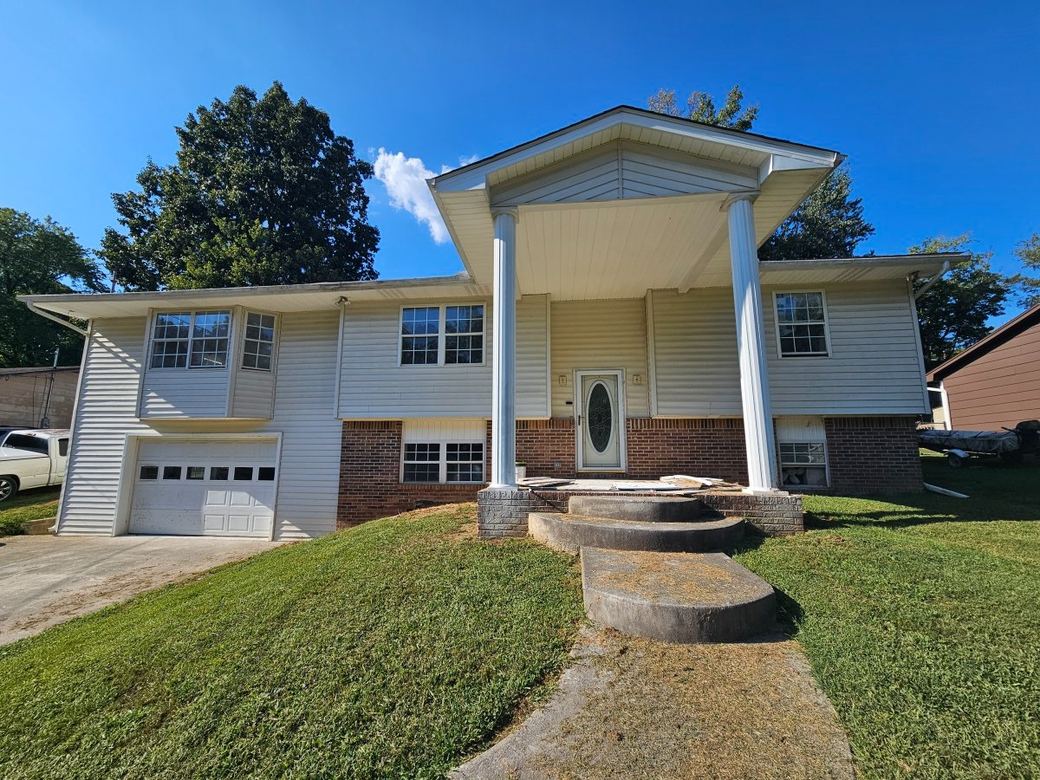
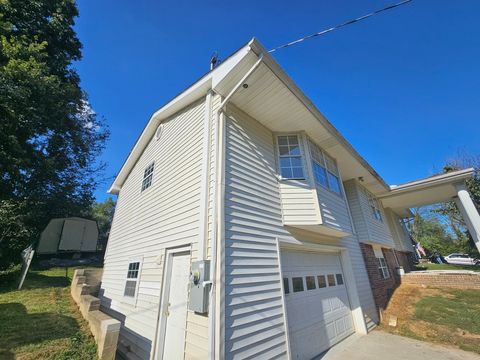
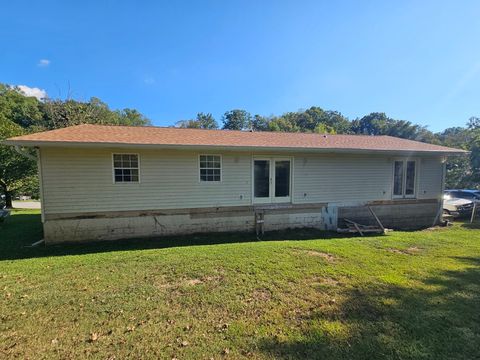
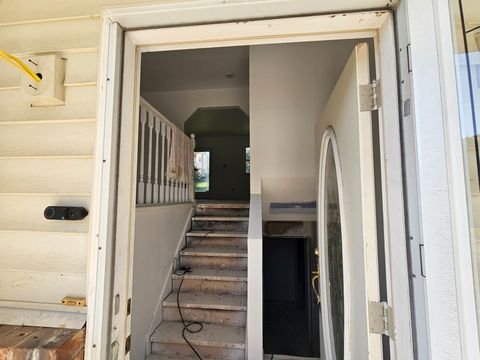
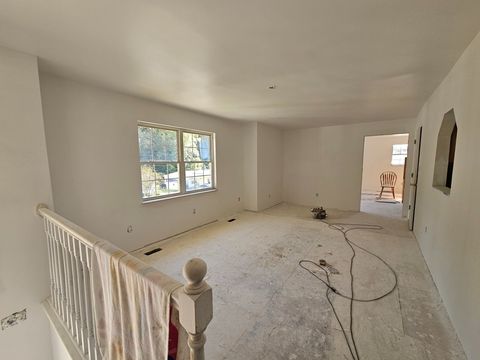
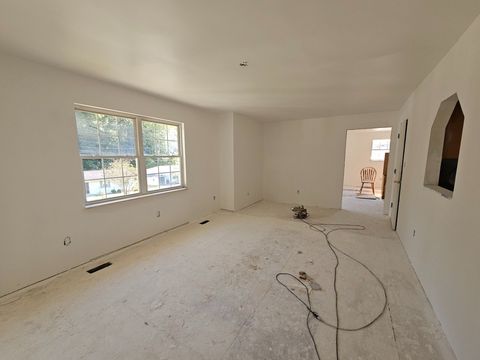
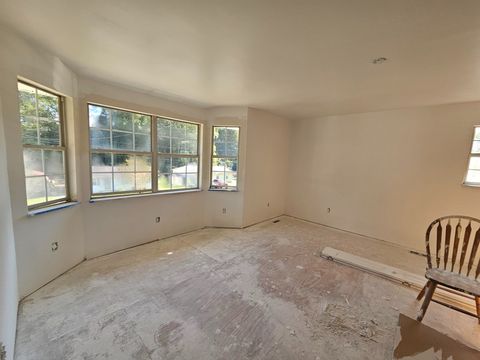
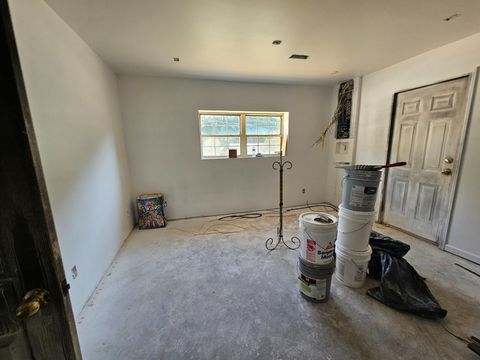
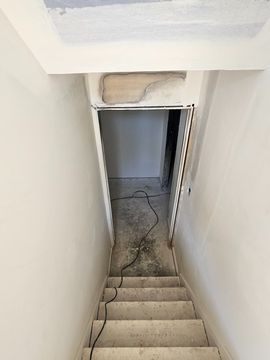
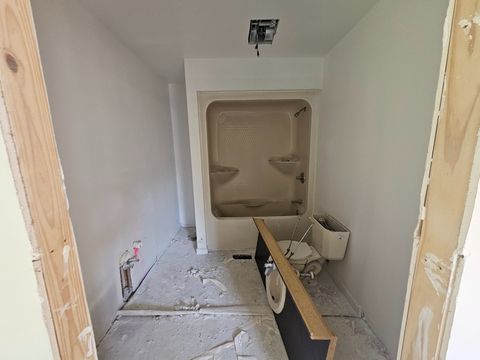
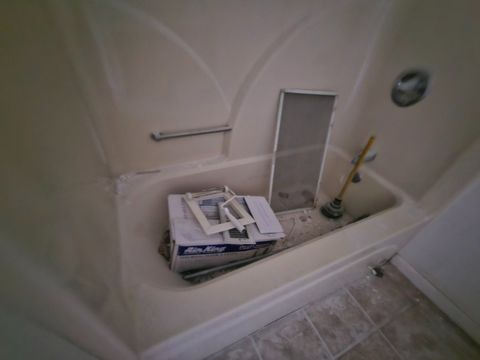
Drop your photos in. Your TrueFile™ agent scans them against HUD Handbook 4000.1 minimum property requirements and flags visible conditions that commonly require repair to qualify for an FHA-insured loan — peeling paint on pre-1978 surfaces, exposed wiring, missing handrails, broken windows, roof damage, plumbing leaks, GFCI gaps, trip hazards, and more.
⚠ AI can make mistakes. Review every number, name, date, and recommendation before you act, send, or file it — you are the final check.
- · Peeling paint on pre-1978 surfaces
- · Missing handrails on 3+ steps
- · Exposed wiring & missing GFCI in wet areas
- · Broken windows, damaged roof covering
- · Plumbing leaks & standing water
- · Trip hazards, structural cracks, foundation defects
- · An FHA appraisal
- · A licensed home inspection
- · State-specific FHA addenda or repair lists
The three things it kills
Join the Photo Processor™ waitlist
Photo Processor™ is in beta. New signups are paused — join the waitlist and we'll email you the moment it opens.
Photo Processor™ — by TrueFile™
Pricing TBD. No file cap.
- Field photo + video capture from your phone — walk a property and narrate; audio saves with the clip.
- Automatic date + time stamp burned into every photo. No captions, no room labels, no typing.
- Two output modes per client: portal-ready PDF addendum, or just the processed photos resized to that client’s portal spec.
- FHA conveyance analysis — results scale with the detail you shoot.
- Lands in your own cloud (Google Drive / Dropbox / OneDrive), filed under STREET NAME STREET# with a new child folder for each drop date.
Upgrade to Solo or Staffed Broker later? Your existing photo folders move into the full Property Record under Inspections — date stamps preserved, nothing to re-upload.
Compare what’s in each tier
Photo Processor is the on-ramp.
Standalone gives you the full field capture + processing workflow and a lightweight address-and-client property folder. Solo and Pro add the full Property Record, reimbursement, and cost model on top.
- Field photo capture app (shoot from your phone) Beta
- Field video walkthroughs with narration / audio Beta
- Automatic date + time stamp on every photo Beta
- Auto-resize to your client's portal upload spec Beta
- Per-client default: PDF addendum OR processed photos only Beta
- FHA conveyance analysis on uploaded photos Beta
- Stores processed photos + videos in your Google Drive / OneDrive / Dropbox Beta
- Per-property folder (STREET NAME STREET#) with dated child folders Beta
- Lightweight assignment: address + client (drives output choice) Beta
- Full Property Record (lifecycle, county, client + AM, PID#) Beta
- Inspections module — photos auto-file under each inspection Beta
- Weekly Inspection Schedule + cadence Beta
- Migration on upgrade — existing photo folders move into the property record Beta
- Package builder (drop → OCR → client-ready PDF) Beta
- Shared client form library (auto-fill blank-form maps) Beta
- Float-cost meter + per-client SLA tracker (with AM-level breakdown) Beta
- Paid-package auto-archive + reconcile Beta
- Cost model wizard + quarterly P&L sync Beta
- Bookkeeper CoA PDF import Beta
- Marge cost coach + your Margin Map Beta
- Per-client actuals (real $, not modeled) Beta
- AM-level breakdown under each client + scorecards Beta
- Pulse portfolio metrics (DOM, fall rate, days-in-inventory) Beta
- Multi-seat team access with role-routed queues Beta
- Email queue + WNY (What Needs You) routing per role Beta
- Field photo capture app (shoot from your phone) Beta
- Field video walkthroughs with narration / audio Beta
- Automatic date + time stamp on every photo Beta
- Auto-resize to your client's portal upload spec Beta
- Per-client default: PDF addendum OR processed photos only Beta
- FHA conveyance analysis on uploaded photos Beta
- Stores processed photos + videos in your Google Drive / OneDrive / Dropbox Beta
- Per-property folder (STREET NAME STREET#) with dated child folders Beta
- Lightweight assignment: address + client (drives output choice) Beta
- Full Property Record (lifecycle, county, client + AM, PID#) Beta
- Inspections module — photos auto-file under each inspection Beta
- Weekly Inspection Schedule + cadence Beta
- Migration on upgrade — existing photo folders move into the property record Beta
- Package builder (drop → OCR → client-ready PDF) Beta
- Shared client form library (auto-fill blank-form maps) Beta
- Float-cost meter + per-client SLA tracker (with AM-level breakdown) Beta
- Paid-package auto-archive + reconcile Beta
- Cost model wizard + quarterly P&L sync Beta
- Bookkeeper CoA PDF import Beta
- Marge cost coach + your Margin Map Beta
- Per-client actuals (real $, not modeled) Beta
- AM-level breakdown under each client + scorecards Beta
- Pulse portfolio metrics (DOM, fall rate, days-in-inventory) Beta
- Multi-seat team access with role-routed queues Beta
- Email queue + WNY (What Needs You) routing per role Beta
- Field photo capture app (shoot from your phone) Beta
- Field video walkthroughs with narration / audio Beta
- Automatic date + time stamp on every photo Beta
- Auto-resize to your client's portal upload spec Beta
- Per-client default: PDF addendum OR processed photos only Beta
- FHA conveyance analysis on uploaded photos Beta
- Stores processed photos + videos in your Google Drive / OneDrive / Dropbox Beta
- Per-property folder (STREET NAME STREET#) with dated child folders Beta
- Lightweight assignment: address + client (drives output choice) Beta
- Full Property Record (lifecycle, county, client + AM, PID#) Beta
- Inspections module — photos auto-file under each inspection Beta
- Weekly Inspection Schedule + cadence Beta
- Migration on upgrade — existing photo folders move into the property record Beta
- Package builder (drop → OCR → client-ready PDF) Beta
- Shared client form library (auto-fill blank-form maps) Beta
- Float-cost meter + per-client SLA tracker (with AM-level breakdown) Beta
- Paid-package auto-archive + reconcile Beta
- Cost model wizard + quarterly P&L sync Beta
- Bookkeeper CoA PDF import Beta
- Marge cost coach + your Margin Map Beta
- Per-client actuals (real $, not modeled) Beta
- AM-level breakdown under each client + scorecards Beta
- Pulse portfolio metrics (DOM, fall rate, days-in-inventory) Beta
- Multi-seat team access with role-routed queues Beta
- Email queue + WNY (What Needs You) routing per role Beta
Annual = 2 months free on Solo and Pro. Photo Processor bills monthly or annually at the same rate. Photo Processor runs the full field workflow on its own — capture app, video, automatic date + time stamping, portal-spec resize, FHA analysis, and your own cloud storage organized by property. Output is either a portal-ready PDF addendum or just the processed photos — set once per client.
Standalone tools
Or buy just one slice.
Each tool runs on its own. Add the rest when you’re ready.
Run the cost model wizard and quarterly P&L sync on its own. Best on-ramp if you're not ready to move operations into the Hub yet.
Learn moreThe full reimbursement workflow — package builder, OCR intake, shared client form library, float-cost meter, per-client SLA tracker. Photo Processor included.
Learn moreAnnual = 2 months free on Solo and Staffed Broker. Photo Processor bills monthly or annually at the same rate. See the full pricing page here.
Stop redoing photo addenda.
Setup takes about 2 minutes. The first addendum usually ships faster than the last one you built by hand.